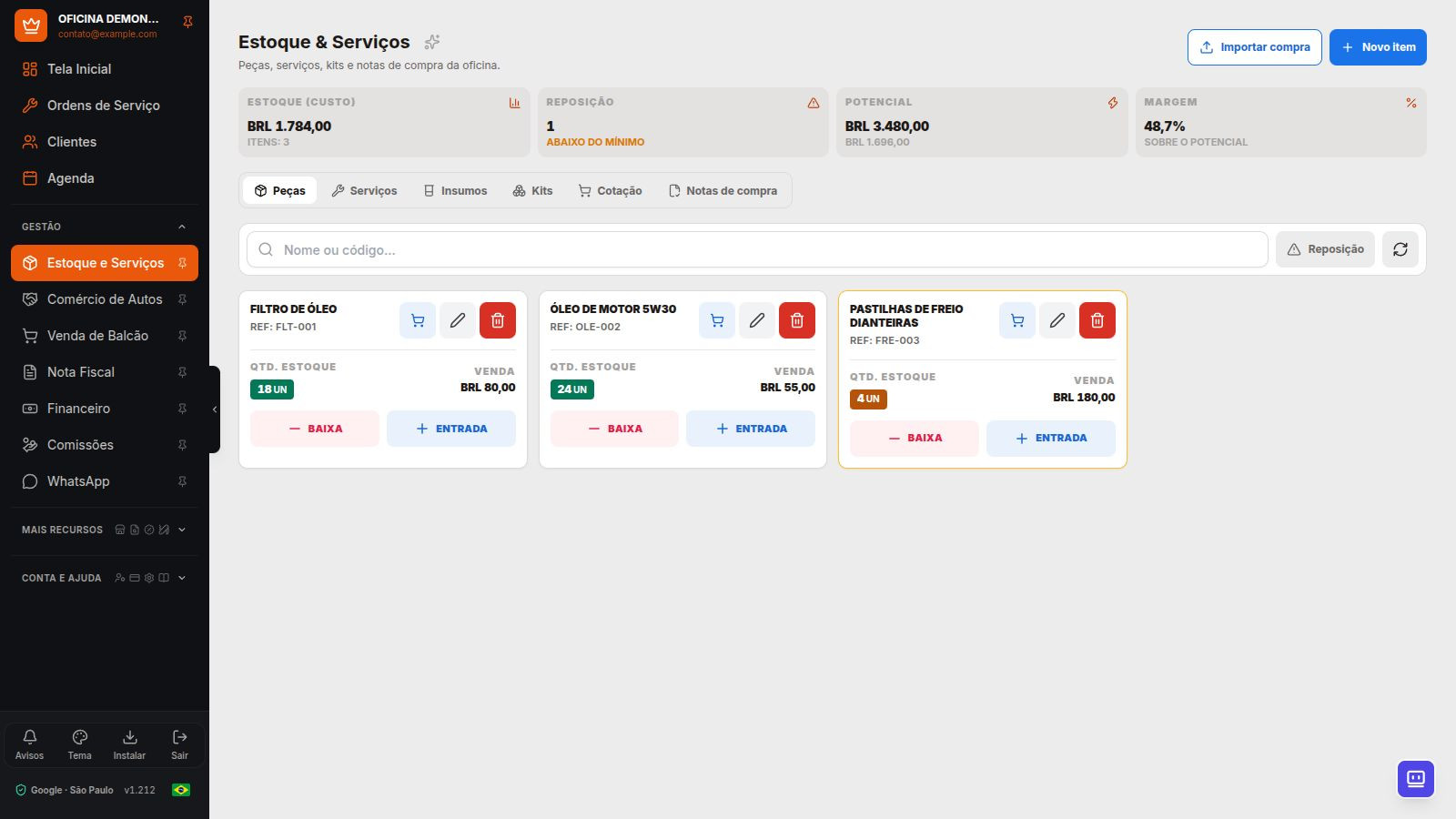
Purchase intake brings together documents retrieved from SEFAZ and files uploaded by the repair shop. The goal is to reduce re-entry and keep the document linked to the transaction, with item review and safeguards against importing the same invoice again.
From purchase invoice to inventory
- Configure the CNPJ and A1 certificate to search for documents available through DF-e Distribution.
- Open the available complete XML and check the supplier, recipient, and items. An invoice summary is not enough to enter items into inventory.
- Classify parts and supplies, and check units, costs, and matches with existing records.
- Confirm the import to record the inventory receipt. Previously imported purchases retain their links to prevent duplicates.
What can be imported automatically?
The option to automatically import known items is turned off by default. When enabled, it can post entire eligible invoices if their items safely match existing records. If a line does not meet the criteria, the invoice remains for review.
Automation does not create unknown records, guess whether an item is a part or supply, or change the sales price. This lets you automate known replenishments without automatically turning every received document into inventory stock.
More ways to add records and replenish stock
- Manually upload a purchase XML file if you already have it.
- Use a PDF or a legible photo for assisted recognition, then check the result.
- Import records from a spreadsheet and organize parts, services, supplies, and kits.
- Track inventory movements and minimum stock to plan replenishment.
Quotes for choosing a supplier
Record the part, quantity, and supplier offers. Compare prices in the same currency and check the terms before choosing. When converting the quote to inventory, select the supplier and confirm the stock receipt.
A quote is not an available balance. Conversion requires permission to quote and create inventory, and a quote that has already been converted must not be entered again.
SEFAZ availability and limits
DF-e search and automatic import are included in Professional, Ultra, and Network plans. Retrieval depends on the A1 certificate, the recipient, XML availability, and the official service's rules and pauses. It is not an unrestricted search for any invoice. Opening or importing a document does not automatically record a tax manifestation acknowledging the transaction.
Frequently Asked Questions
Does the system automatically register every part through SEFAZ?
No. New items go through assisted review. The automatic option is limited to eligible invoices for known items and does not change the sales price.
Do I need an A1 certificate for every inventory receipt?
Searching for new documents through SEFAZ requires a valid A1 certificate. Other methods, such as an available XML file, spreadsheet, PDF, or photo, have their own review requirements.
Explore more
- Tax invoicing for repair shops: coverage and terms
- Integrated repair shop management: from service bay to cash register
- Motorcycle repair shop software