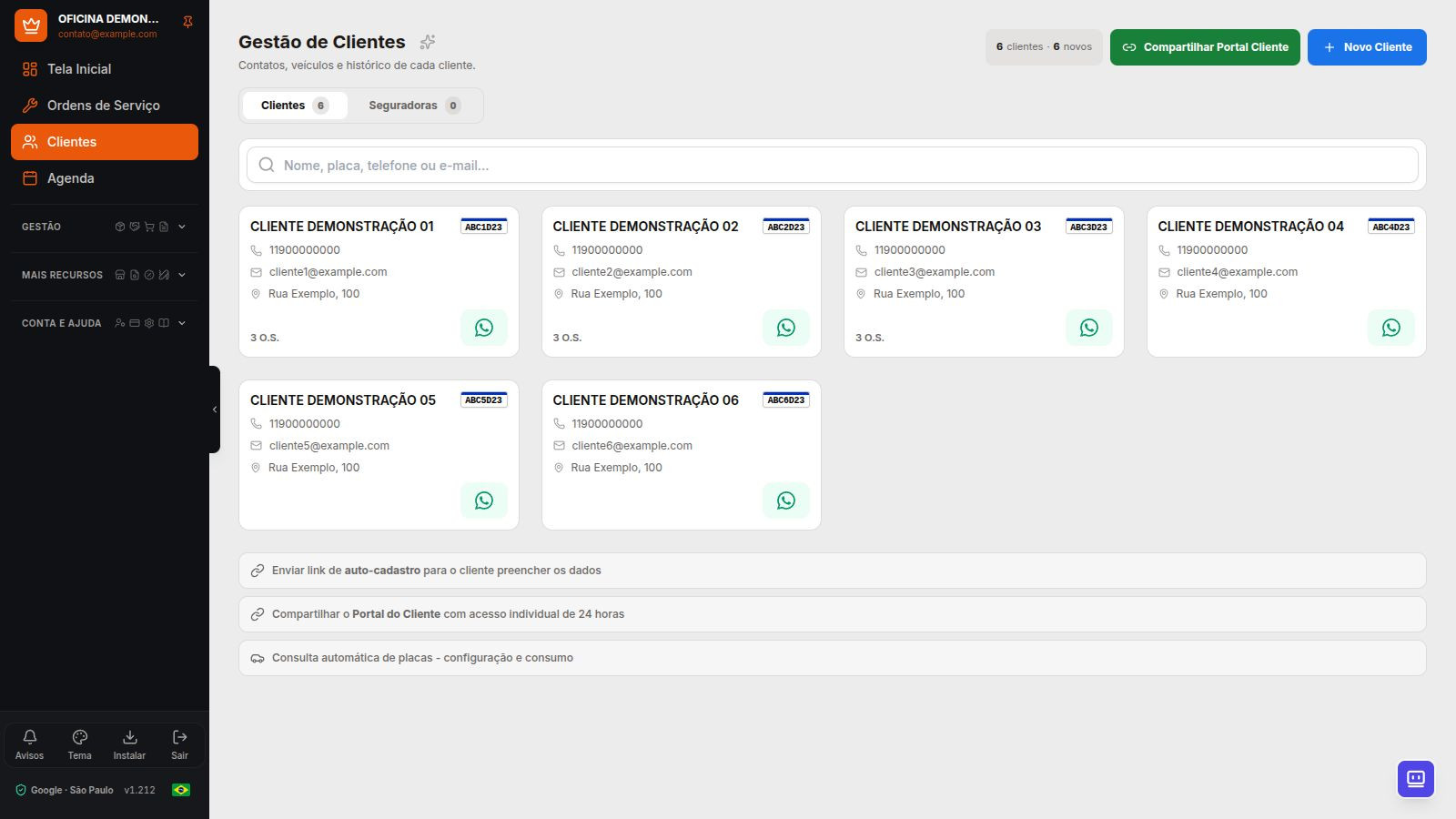
The Customer Portal gives customers a dedicated place to follow their service. The repair shop shares access, presents the estimate, and keeps photos and decisions linked to the Service Order, instead of relying only on a PDF or scattered messages.
What can the customer do?
- Track the Service Order and view shared photos.
- View the estimate and record your approval through the portal.
- Access the calendar in supported workflows and follow the relationship with the repair shop.
- Use the portal on a phone and install its PWA, with its own account and compatible access methods.
How to use it during service
- Record the inspection, items, and notes in the Service Order.
- Share service progress with the customer through the app workflow.
- Wait for the estimate decision and check the approved scope before starting work.
- Keep service information up to date so the customer can find what has been shared.
Verification of what was signed
The Service Order signature has a verification code. It lets you verify whether the content is still the same as what was authorized. Changing values or services covered by the signature requires new approval; editing only the inspection checklist does not change the signed document.
Customer registration and requests
The workshop can share a link for the customer to enter their details. Submission goes through access checks and workshop review. The portal can also submit appointment requests through available workflows; a submitted request does not mean the time is confirmed.
See how to organize customers, vehicles, and insurers.
Keep customers informed at a motorcycle repair shop too
The portal supports motorcycle and car workflows. For example, photos from an inspection help the customer understand the estimate before deciding; authorization remains linked to the motorcycle's Service Order. WhatsApp messages can notify the customer, while the portal brings progress updates together.
The Customer Portal is available starting with Essential. Connected WhatsApp and other features are subject to the subscribed plan. The free trial does not mean unrestricted access to all paid features.
Frequently Asked Questions
Does the customer need to install an app from an app store?
No. The portal works in a mobile browser and can be installed as a PWA. Access and identity confirmation depend on the workflow used.
Does Dono da Oficina only send estimates as PDFs?
No. Along with service documents, there is a Customer Portal with progress updates, photos, a calendar, and online estimate approval.
Explore more
- Motorcycle repair shop software
- Repair shop calendar with Google and Outlook
- Integrated repair shop management: from service bay to cash register